
Audio
Audio messaging enables voice-based communication through phone calls, offering interactive capabilities and personalized delivery. Recipients can interact with audio messages using their phone's keypad, making this channel ideal for surveys, notifications, and interactive campaigns.
This page covers two audio message types: pre-recorded audio files and text-to-speech conversion. We recommend reviewing the General Message Types documentation first.
Message Types
Choose between two audio message creation methods:
- Audio File: Upload and combine pre-recorded audio files
- Text to Speech: Convert written text into spoken audio using AI voice synthesis
Select your preferred method using the radio buttons below:
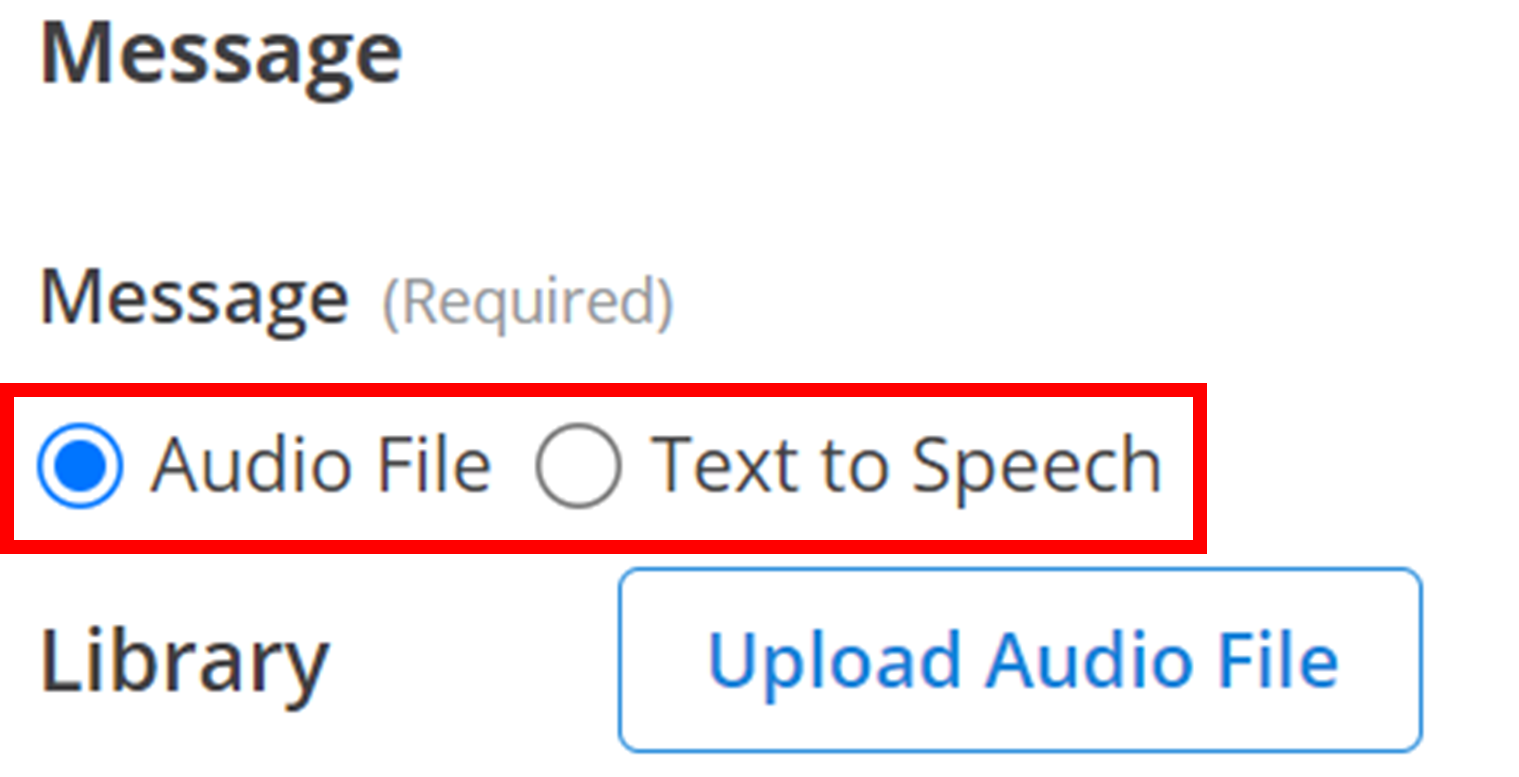
Audio File
Audio file messages combine multiple pre-recorded audio files into a single, cohesive message. The interface consists of two main areas:
- Library: Your collection of uploaded audio files
- Message Composer: Where you arrange selected files into your final message
Audio files are played in the order they appear in the Message Composer, creating a seamless listening experience for recipients.
Library
The Library contains all your uploaded audio files. To add new files, click the Upload Audio File button and select your desired audio file:
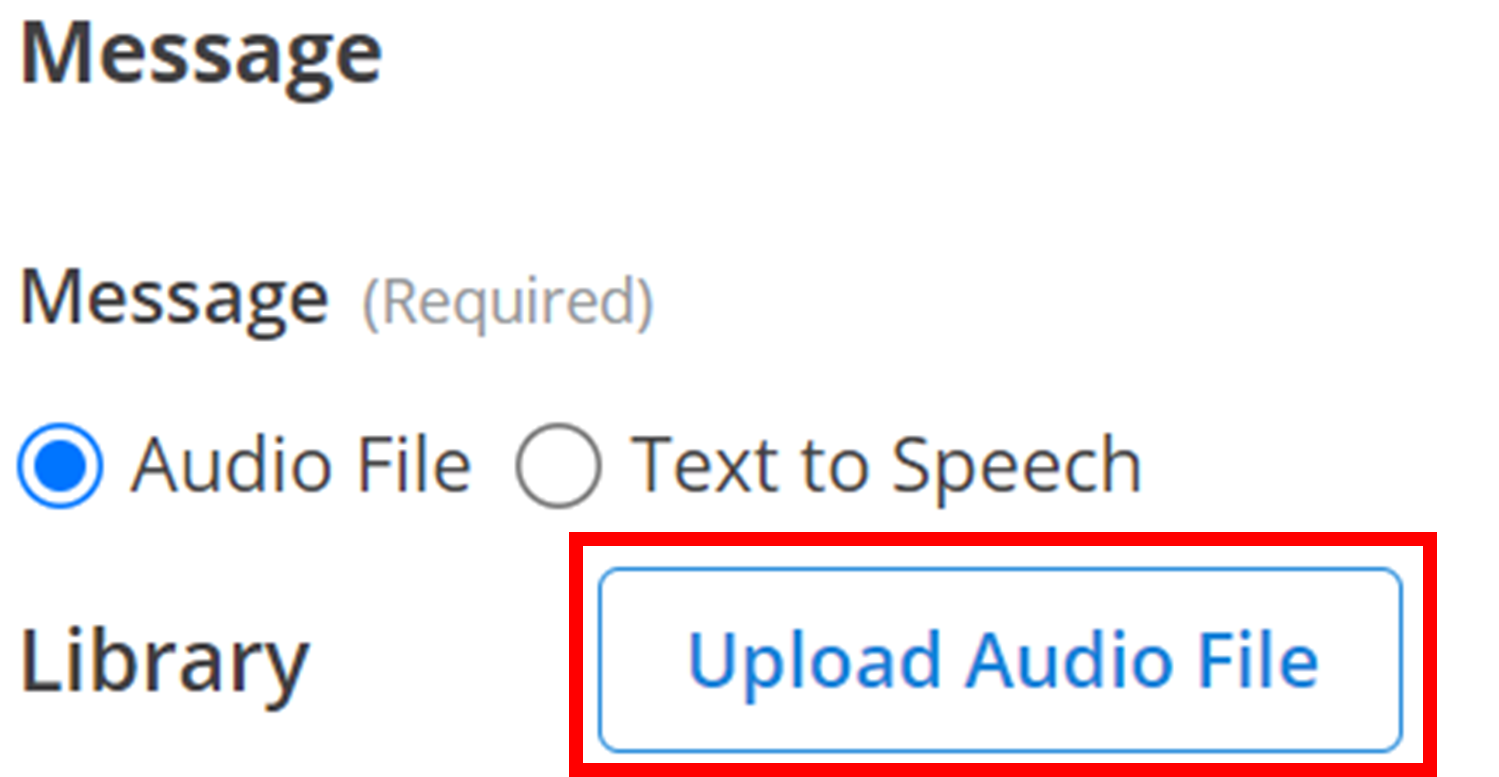
Each audio file in your library displays the following information:
- Checkbox: Select to add the file to your Message Composer
- File Name: The name of your audio file
- Duration: File length displayed as minutes:seconds
- Play Button: Preview the audio before adding to your message

Tip
Select the checkbox in the header row to add all library files to your Message Composer at once.
Message Composer
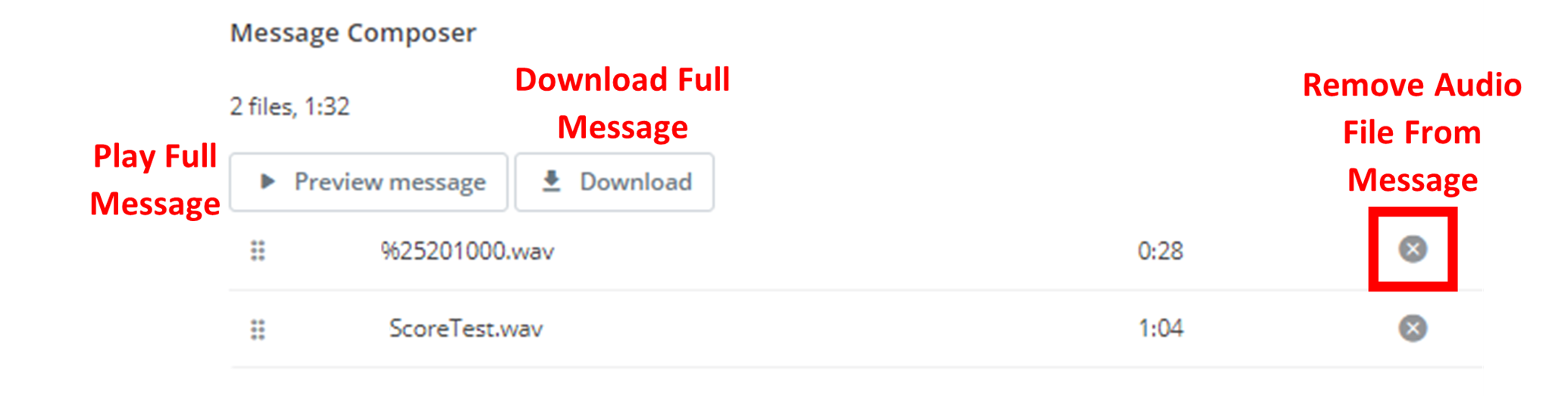
The Message Composer arranges your selected audio files in the order they will be played. Use the following controls to manage your audio message:
File Management:
- Drag & Drop: Reorder files by dragging them to new positions
- Remove Files: Click the 'X' button to remove files from the composer
Preview & Export:
- Preview: Click
▶ Preview Messageto listen to the complete message - Download: Click
⇓ Downloadto download the combined audio file
Text to Speech
Text-to-speech converts written text into natural-sounding audio using AI voice synthesis. This option is ideal for dynamic content, announcements, and messages that need to be generated programmatically.
Content
Create your message content using the standard text editor. The text you write will be converted to speech and delivered to recipients:
Pronunciation Control
Control how specific text is pronounced using SSML (Speech Synthesis Markup Language) tags. Enclose text in the following format:
<say-as interpret-as="interpretation-type">Your Text Here</say-as>Available Interpretation Types:
characters: Spells out each letter individuallycardinal: Reads numbers as cardinal numbers (113 → "one hundred thirteen")ordinal: Reads numbers as ordinal numbers (2 → "second")digits: Reads numbers as individual digits (1342 → "one three four two")fraction: Reads fractions (3/4 → "three quarters")unit: Reads measurements (7kg → "seven kilograms")date: Reads dates with specified format:<say-as interpret-as="date" format="YYYY-MM-DD">2024-01-01</say-as>time: Reads times with specified format:<say-as interpret-as="time" format="HH:mm">11:16</say-as>address: Reads text as an addressexpletive: Censors/bleeps the texttelephone: Reads numbers as phone numbers
Speech Rate
Control the speaking speed using the prosody tag:
<prosody rate="speed">Your Text Here</prosody>Available Speech Rates (fastest to slowest):
x-fastfastmediumslowx-slow
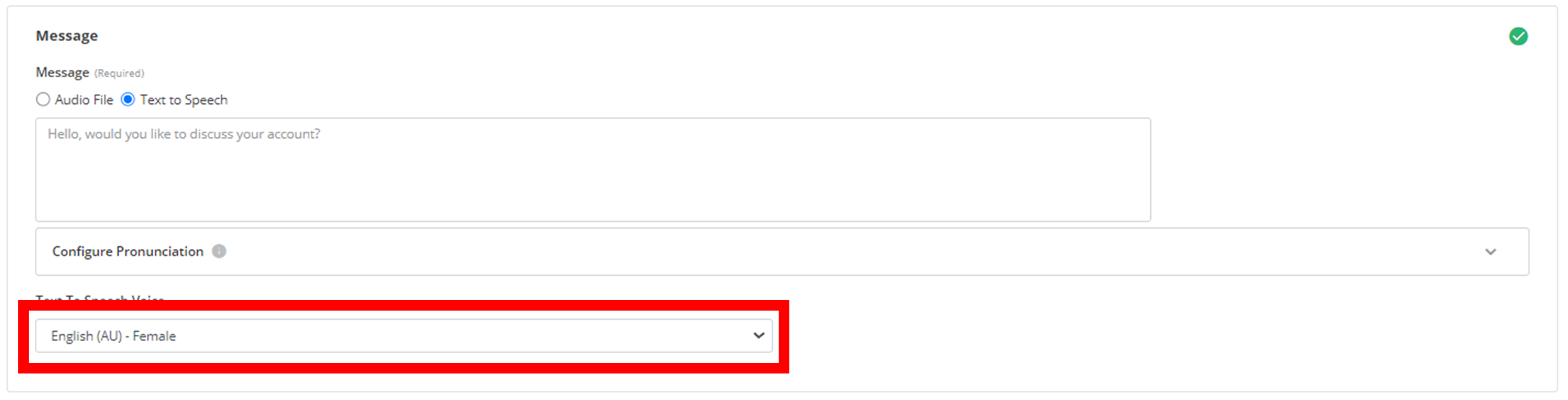
Voice Selection
Choose from multiple voice options to match your brand and audience preferences. Select your preferred voice from the dropdown menu:
How is this guide?