
Domains
Within Workflows, a Domain Metadata System (or Domain for short) is a way to store data in your workspace. You can either store data directly inside the domain, or have the domain point to an API endpoint. Unlike credentials, the data in these domains is accessed via a GET API request to the domain. Learn more about how these domains work on this page.
Learn how to configure the domain JSON in Configuration.
Learn how to access the data in a domain in Accessing Data.
Initialisation
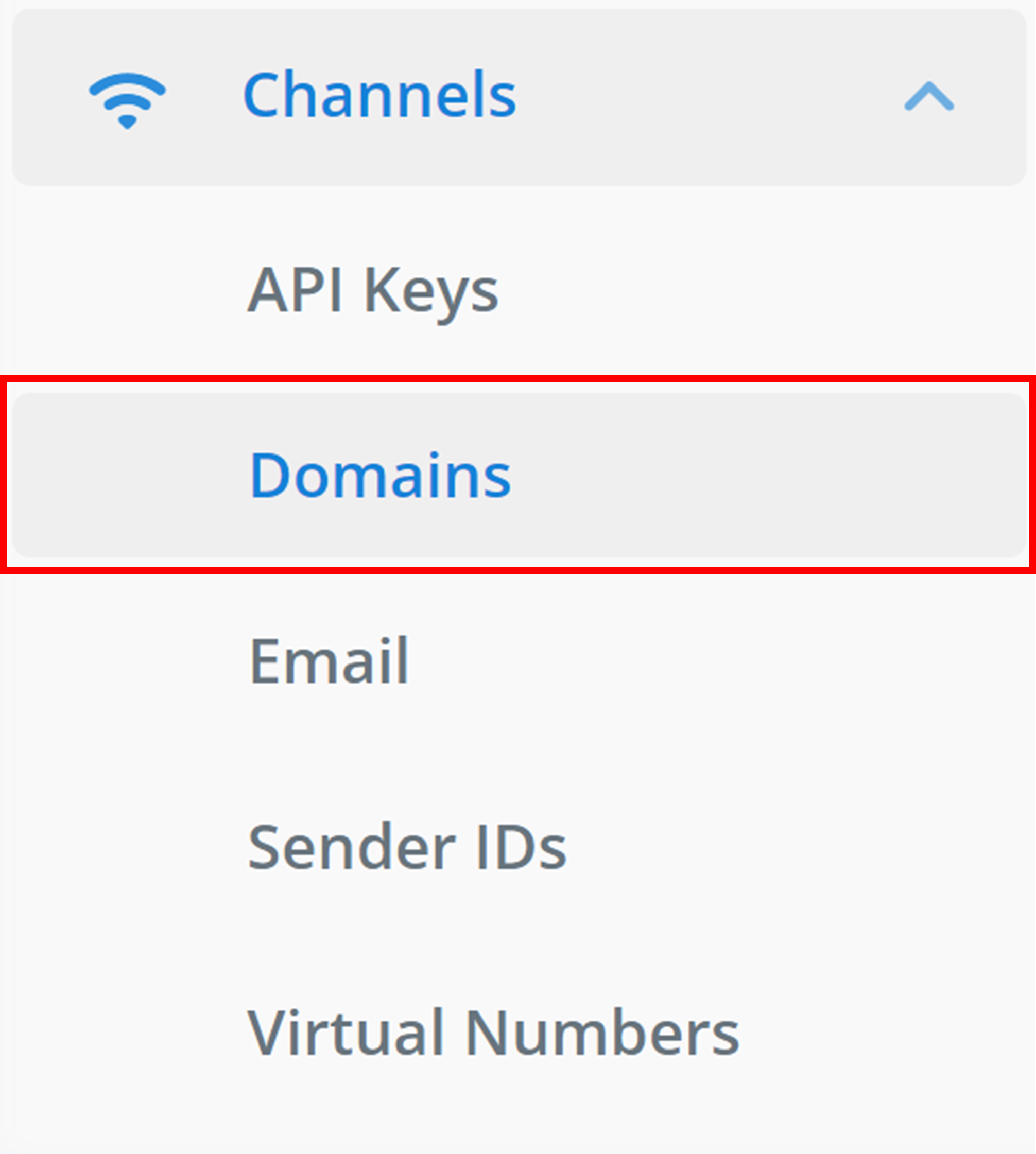
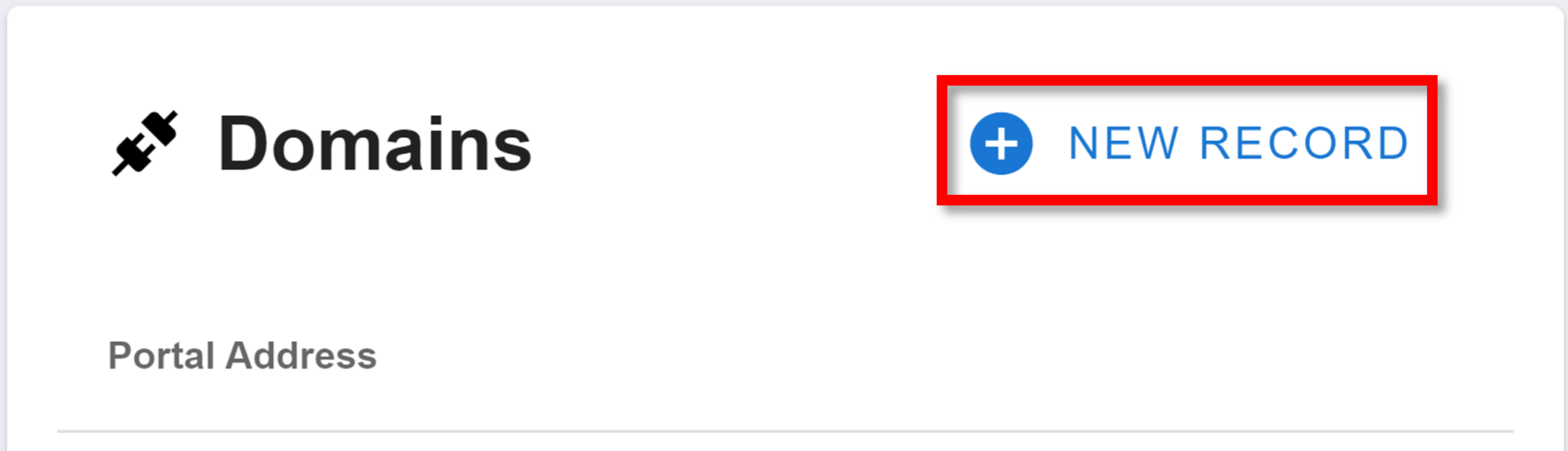
Name Your Domain
Clicking that button will open this menu:
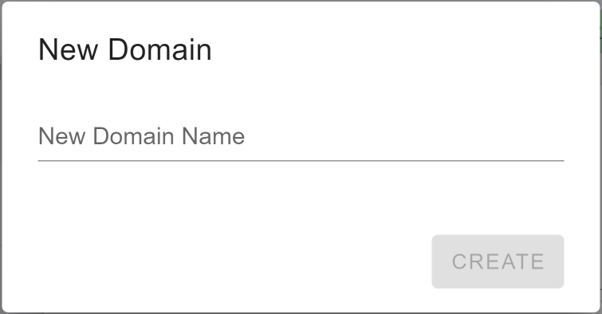
Give your new domain a name under 'New Domain Name'. This will be used when making the GET request to the domain. Finally, click CREATE to finalise the initialisation of your new domain.
Configuration
Creating a new domain will give you with the following JSON:
{
  "body": {},
  "meta": {}
}
The "body" property is the data you are storing in the domain. You can store whatever properties and values you want in this object.
If a POST request is made to the domain (instead of GET), then the request will be forwarded to another API endpoint. The "meta" property describes this forwarding process. If this is empty, a POST request will do nothing.
The "meta" object can have three properties:
"execution": the API URL to forward the request to."execMethod": the API method to make the forwarded request with. Defaults to "POST"."dataPassThrough": boolean. The domain receives a"body"from the POST request made to it. Atruevalue here will combine the received"body"and the"body"stored in the domain.falsewill use just use the domain's stored"body"body in the forwarded request.
Management
After configuring a domain or navigating to the Domains page using the sidebar, you will be met with the domains homepage:
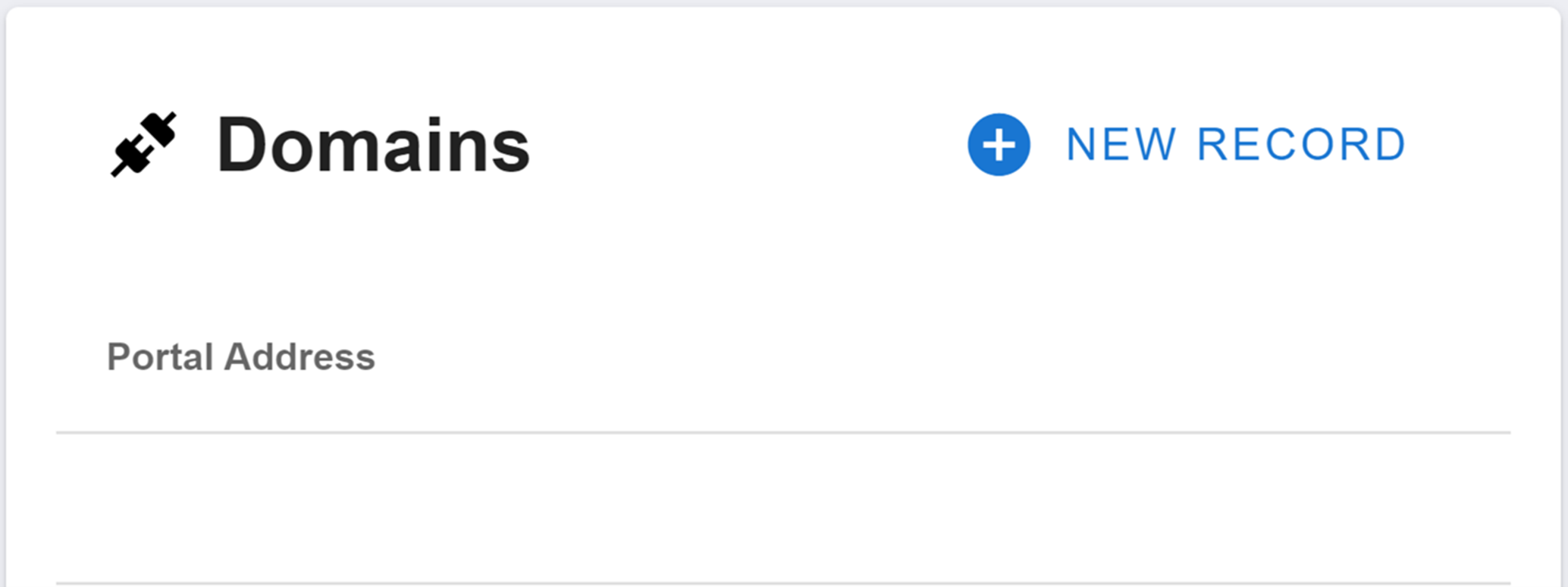
The domains homepage will display all of your workspace's domains. The menu will just display the domain's name under 'Portal Address' (not shown here). Open up the JSON of a domain by clicking on it.
How is this guide?